Switch with context
Move between connected OAuth and IMAP/SMTP accounts while keeping account identity, inbox state and sending choice clear.
Seamark / email for Android
Gmail, Outlook, Zoho and compatible mail accounts—one focused place.
One clear rhythm
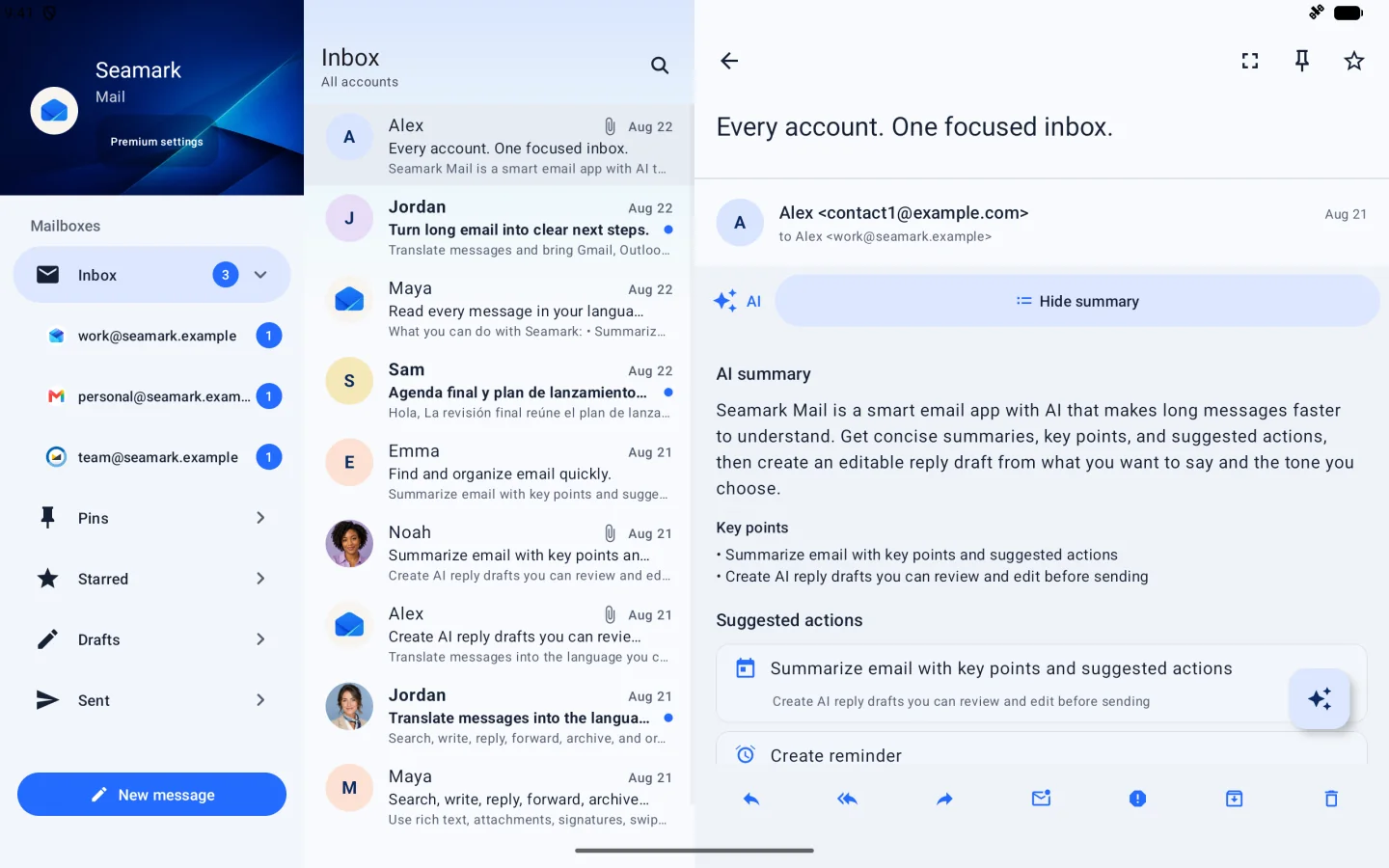
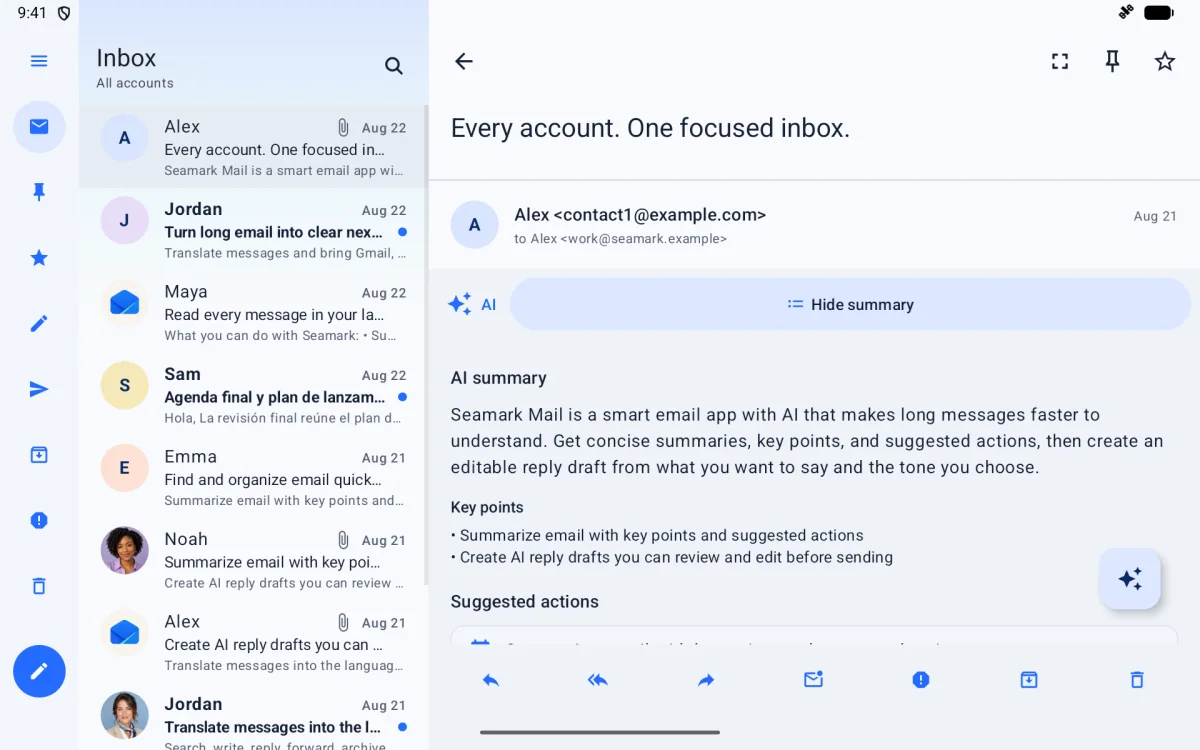
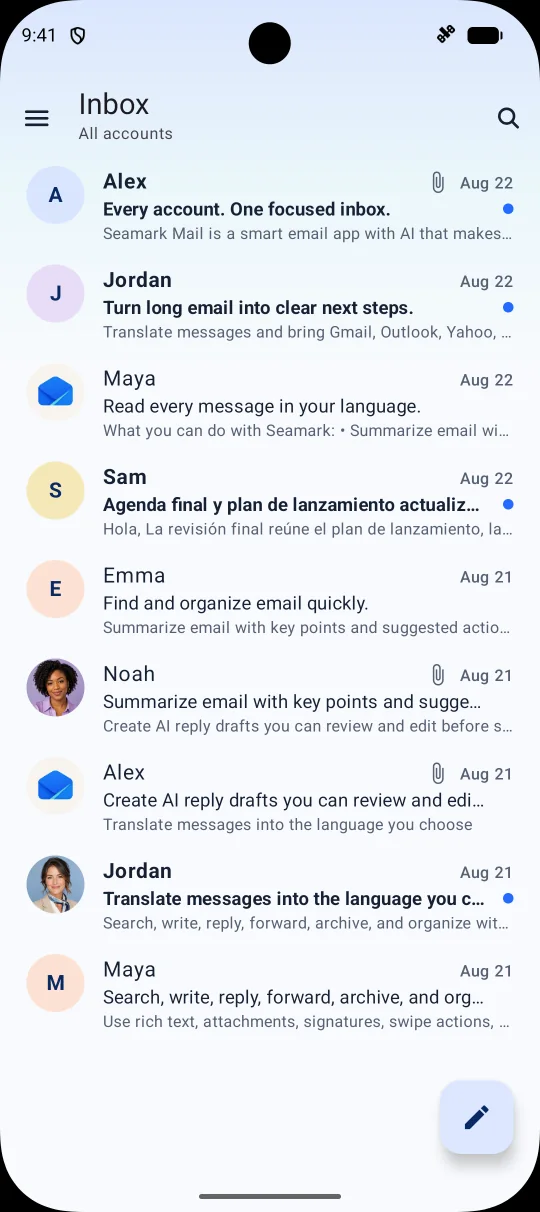
Seamark Mail keeps familiar mail actions close and keeps each connected account distinct. It is built for people who want less interface and more control.
Move between connected OAuth and IMAP/SMTP accounts while keeping account identity, inbox state and sending choice clear.
Read full messages, compose, reply, reply-all and forward without turning email into a dashboard.
Translate or summarize eligible messages, or ask Premium for an editable reply or new-email draft. Every result waits for your review; Yahoo and AOL content is excluded.
Mark read or unread, star or flag, archive, move to spam or trash, restore and permanently delete when you choose.
Seamark pins sit alongside provider stars or flags, giving you a lightweight way to surface messages without changing provider state.
Why access is requested
Seamark asks for access only when you connect a provider or use a related feature. Gmail uses Google identity scopes and https://mail.google.com/; signature synchronization adds gmail.settings.basic. Other providers use only the permissions or verified IMAP/SMTP credentials required for their supported mail actions.
Load mailbox lists, message bodies, headers, labels and attachments for the account you select.
Compose, send, reply and forward; mark read or unread; star, archive, move to spam or trash, and restore.
Permanently delete a message, or empty Spam or Trash, only after you explicitly confirm the irreversible action.
Import the current Gmail signature and update or clear the selected SendAs identity only when you explicitly save or delete it.
Why these permissions are used: gmail.modify cannot perform confirmed permanent deletion. Reading signatures works with the existing Gmail scope; updating or clearing them requires gmail.settings.basic, for which Google offers no narrower write scope. Seamark does not use it for filters, forwarding, delegation or vacation settings.
Mail data supports visible mail and notifications. Optional AI processing runs only after your request, is never used for advertising or generalized model training, and excludes Yahoo and AOL content. See the Privacy Policy for access, storage, sharing, retention and deletion details.
A narrow data boundary
Seamark connects only after you authorize a provider or submit verified IMAP/SMTP settings. Mail content is never used for advertising. Optional AI processing starts only when you request it, and Yahoo or AOL message content is excluded.
Your mailbox stays with your provider. Cached messages expire within 24 hours.
Provider roadmap
Find your bearing
Seamark Mail for Android is available on Google Play. Review why provider access is requested, how optional Premium works and how mail, AI and purchase data are handled.
Review mail access